 Cui
Cui 
“Place which dreams come true “ - Art by painter Julia Makors
Security
- NordPass - Password manager
- NordVPN - VPN for secure connections
Google Ecosystem
- Chrome - Primary browser
- Antigravity - Development tool
- Drive - Cloud storage
- NotebookLM - AI-powered research
Microsoft Ecosystem
- Microsoft 365 - Word, Excel, PowerPoint, OneNote, Outlook
- OneDrive - Cloud storage and sync
Utility Applications
- Sougou Wubi Input - Chinese input method
- Sublime Text - Lightweight text editor
- Brave Browser - Privacy-focused browser
AI Tools
- Perplexity Desktop - AI search assistant
- Comet Desktop - AI development companion
- Claude Desktop - Anthropic’s AI assistant
Development Environment
Terminal Emulators
- iTerm2 - Feature-rich terminal for macOS
- Ghostty - GPU-accelerated terminal
- kitty - Fast, feature-rich terminal
Homebrew
/bin/bash -c "$(curl -fsSL https://raw.githubusercontent.com/Homebrew/install/master/install.sh)"
brew tap homebrew/cask-versions
Zsh & Oh-My-Zsh
# Install zsh
brew install zsh

# Install Oh-My-Zsh
sh -c "$(curl -fsSL https://raw.github.com/ohmyzsh/ohmyzsh/master/tools/install.sh)"

# Font - https://www.nerdfonts.com/font-downloads
brew install font-Fira-Code-nerd-font
ghostty --font-family="FiraCode Nerd Font Mono Reg" --font-size=14
Shell Themes
Powerlevel10k:
brew install powerlevel10k
echo "source $(brew --prefix)/share/powerlevel10k/powerlevel10k.zsh-theme" >> ~/.zshrc
Starship:
brew install starship
echo 'eval "$(starship init zsh)"' >> ~/.zshrc
starship preset tokyo-night -o ~/.config/starship.toml
starship explain
Oh-My-Zsh Plugins
Keep in mind: Plugins could slow down startup zsh!
# OMZ plugins - https://github.com/ohmyzsh/ohmyzsh/wiki/Plugins-Overview
git clone https://github.com/zsh-users/zsh-autosuggestions ${ZSH_CUSTOM:-~/.oh-my-zsh/custom}/plugins/zsh-autosuggestions
vi ~/.zshrc
plugins=(zsh-autosuggestions)
Understanding Zsh Configuration Files
| File | Purpose |
|---|---|
.zshenv |
Global env variables, API keys, can source .zsh_secrets
|
.zprofile |
Login shells, login environment tweaks |
.zshrc |
Interactive shells, sources .zprofile
|
Python (Miniconda)
curl -O https://repo.anaconda.com/miniconda/Miniconda3-latest-MacOSX-arm64.sh
bash Miniconda3-latest-MacOSX-arm64.sh
conda create --name py312 python=3.12
Node.js (Volta)
curl https://get.volta.sh | bash
volta install node pnpm@latest   # LTS
volta pin node@20                # Project-specific
Java (SDKMAN)
curl -s "https://get.sdkman.io" | bash
source "$HOME/.sdkman/bin/sdkman-init.sh"
sdk install java 25.0.2-tem
sdk default temurin 25.0.2-tem
sdk install maven
sdk install gradle
Vibe Coding Tools
Claude Code
curl -fsSL https://claude.ai/install.sh | bash
After installation, add to PATH:
echo 'export PATH="$HOME/.local/bin:$PATH"' >> ~/.zshrc && source ~/.zshrc
Other AI Coding Tools
- CodeX - OpenAI’s code generation tool
- Gemini CLI - Google’s AI assistant CLI
- OpenClaw - Open-source AI coding assistant
SSH Keys
If you move from old workstation, and keep keys that still active
Copy ~/.ssh keys
Copy ~/.kube configuration
Copy ~/.bash_profile, .bash_history
Copy ~/.zshrc, .zprofile, .zsh_history
Copy ~/.m2/settings.xml
If you want to create brand new keys
KEY_TYPE=github
KEY_NAME=`whoami`-$KEY_TYPE-`date +%Y-%m-%d`
mkdir -p ~/.ssh/$KEY_TYPE

ssh-keygen -t rsa -b 2048 -C $KEY_NAME -f ~/.ssh/$KEY_TYPE/$KEY_NAME
ssh-keygen -l -E md5 -f ~/.ssh/$KEY_TYPE/$KEY_NAME

chmod 600 $KEY_NAME
chmod 644 $KEY_NAME.pub

ssh-add --apple-use-keychain --apple-load-keychain ~/.ssh/$KEY_TYPE/$KEY_NAME
# macOS reboot service
vi ~/.ssh/config
Host *
   AddKeysToAgent yes
   UseKeychain yes
   IdentityFile ~/.ssh/$KEY_TYPE/$KEY_NAME
Multi-Git Identities Setup
Update .ssh config
vi ~/.ssh/config
# default config
Host github.com
   HostName github.com
   User git
   IdentityFile ~/.ssh/$KEY_TYPE/$KEY_NAME

# removes all ssh entries from the ssh-agent, and add the only you want to use
ssh-add -D
ssh-add --apple-use-keychain --apple-load-keychain ~/.ssh/$KEY_TYPE/$KEY_NAME
Configure Git Identities
# list all global git config
git config --global -l

# update global git config
vi ~/.gitconfig
[user]
   name = WorkIdentity
   email = work@gmail.com
[includeIf "gitdir/i:~/Workspace/GitHub/"]
   path = ~/.github.gitconfig

# create specific config for the personal identity
vi ~/.github.gitconfig
[user]
   name = PersonalIdentity
   email = personal@gmail.com
Git Repo
# This will use personal Git Identity
cd ~/Workspace/GitHub/
git clone git@github.com:xxxxxxxx/yyyyyyyyyy.git

# This will use work Git Identity
cd ~/Workspace/AnyOtherFolders
git clone git@github.com:xxxxxxxx/yyyyyyyyyy.git
GUI Applications
- JetBrains/Intellij
- VS Code
- Sublime
- Postman
- Docker Desktop
- Studio3T (MongoDB)
- pgAdmin (PostgreSQL)
- Youdao (Chinese Dictionary)
- CreateStudio3
- Luminar NEO
- LM Studio
CLI Tools
Azure, Kubernetes, K9s, Terraform
brew install azure-cli,
brew install kubectl
brew install derailed/k9s/k9s
brew install Azure/kubelogin/kubelogin
brew install tfenv
tfenv install (terraform-cli)
tfenv use x.y.z
MongoDB CLI
brew tap mongodb/brew
brew install mongodb-community-shell
brew install mongocli
brew install mongodb-database-tools

# Upgrade
brew upgrade mongodb-database-tools
Cloud Commands
Azure AKS
az login
az account set --subscription "Subscription Name"
az aks get-credentials --name kube-cluster-name --resource-group group-name
# set default namespace
kubectl config set-context kube-cluster-name --namespace=application
# switch between k8s clusters
kubectl config use-context kube-cluster-name
GCP
brew install --cask google-cloud-sdk

# zsh
export CLOUDSDK_PYTHON="/usr/local/opt/python@3.8/libexec/bin/python"
source "/usr/local/Caskroom/google-cloud-sdk/latest/google-cloud-sdk/path.zsh.inc"
source "/usr/local/Caskroom/google-cloud-sdk/latest/google-cloud-sdk/completion.zsh.inc"

# gcloud
gcloud init

# k8s
gcloud container clusters get-credentials cluster1 --region europe-west2 --project project-name
Others
brew install tree fzf ack
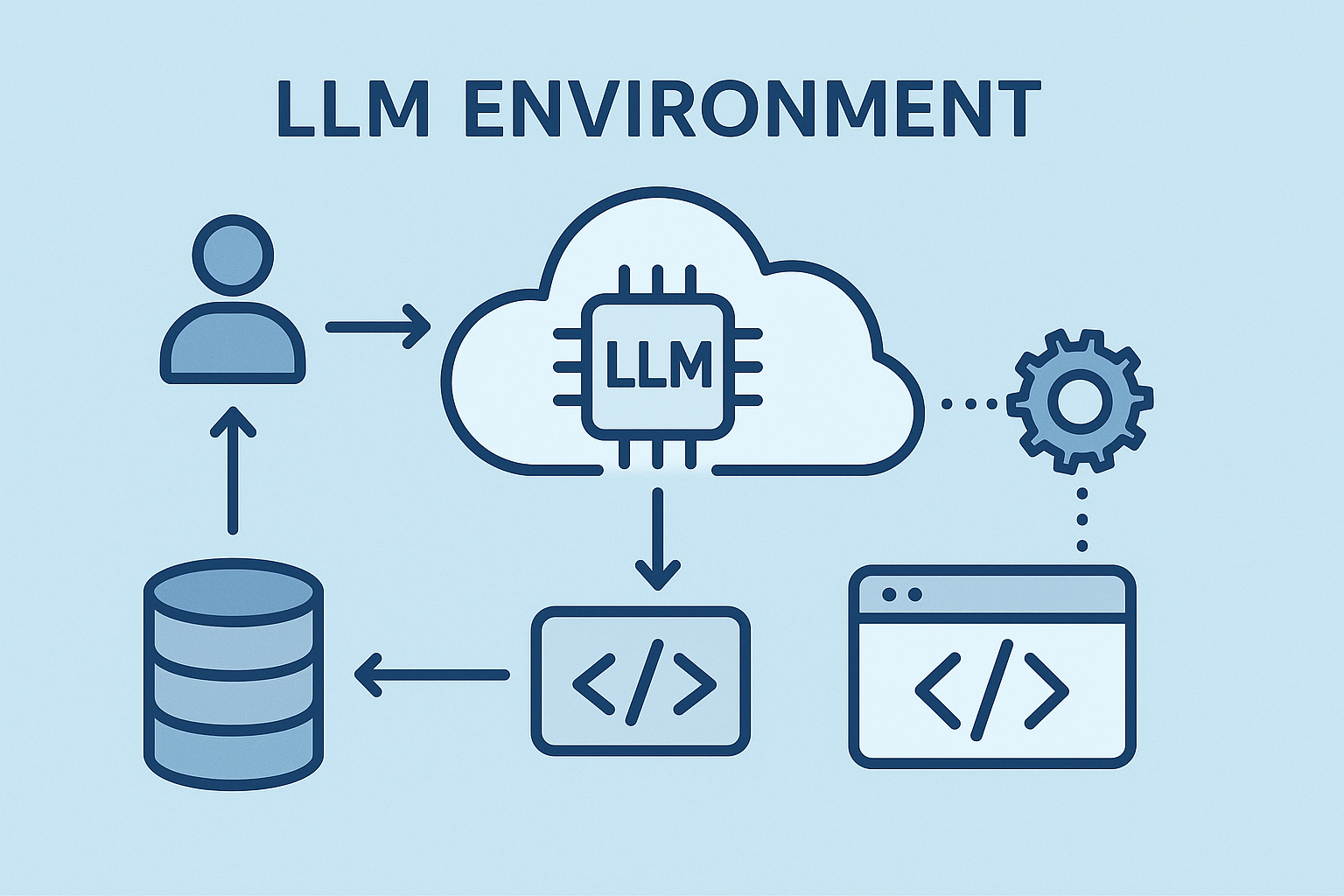 Setup LLM Development Environment
Click to load Disqus comments